
Disclosure: I built Repostify, the app in this post. I’ll tell you where it falls short too.
Short version: to crosspost a video, an app needs the video file. TikTok's API for reading your posts gives apps links, not files. YouTube's developer policies restrict apps from downloading videos without prior written approval. So with Repostify, TikTok and YouTube can be where your videos go, but not where they start. If you post there first, upload your original file with Direct Upload instead.
"Can I post on TikTok and have it go everywhere else?" is a question I get a lot. It's a fair ask. TikTok is where a lot of people post first. Here's why the answer is no, straight from the docs.
Crossposting needs the file, not a link
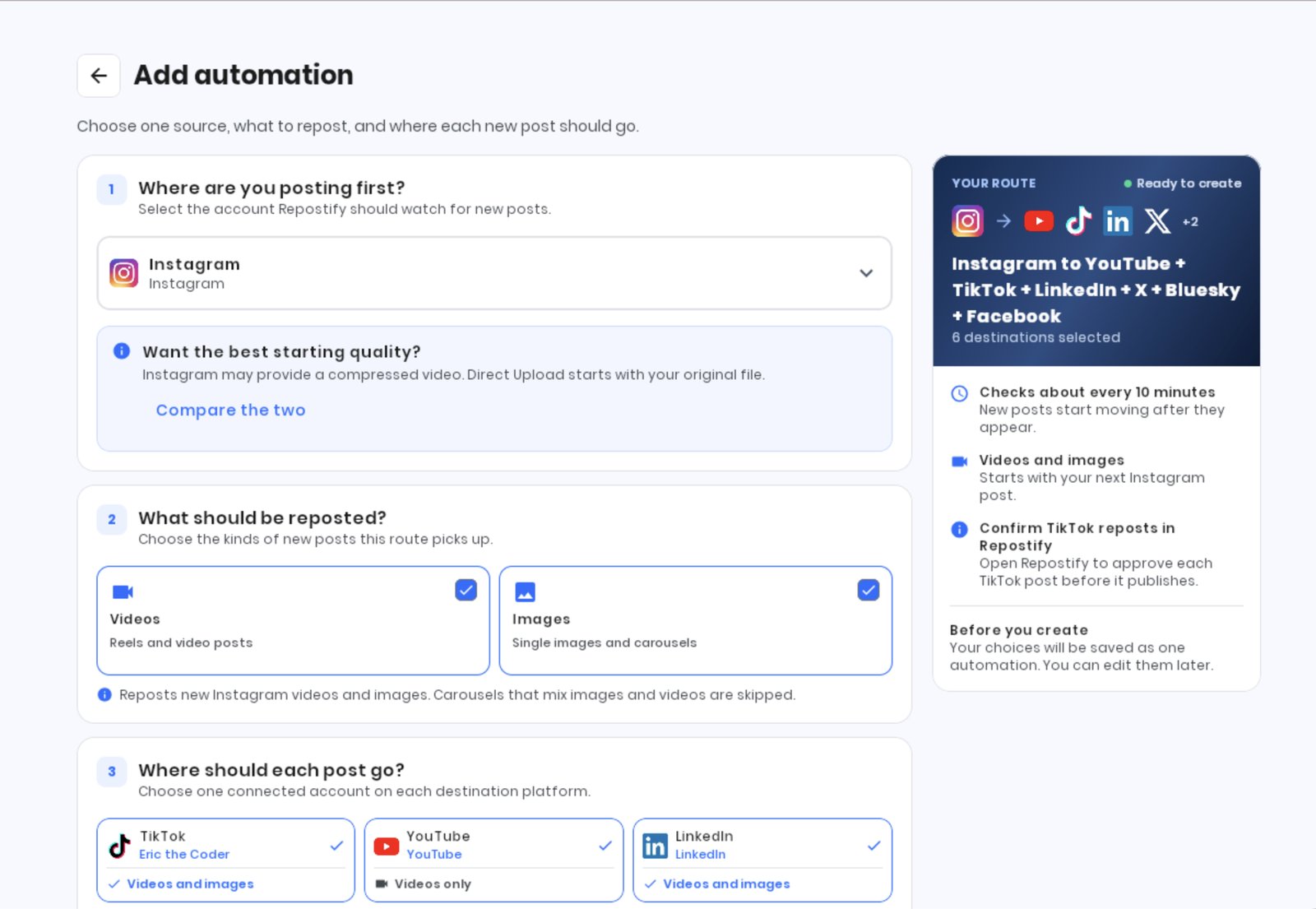
When Repostify picks up a new post from Instagram, it gets the actual video from Instagram's official API. Then it uploads that video to each of your other platforms. No file, no crosspost: you can't upload a link to YouTube Shorts.
Instagram may provide a compressed version to apps, so a crosspost can be lower quality than the original. But the API does provide a video file.
What TikTok's API gives apps
TikTok's Display API is how apps read the videos on your account. Here's what its video object includes, per TikTok's own docs:
share_url: a link to the video on TikTokembed_linkandembed_html: for embedding the video on a websitecover_image_url: a still image, and the link expires after 6 hours- the title, description, duration, size, and like, comment, share and view counts
There's no field for the video file itself. An app can link to your TikTok or embed it, but it can't upload it somewhere else.
TikTok also has a separate Data Portability API that can provide download links for a user’s posts. Repostify does not currently use that API as a source. Its availability and approval requirements differ from the Display API, so it is not a universal replacement for it.
What YouTube allows
YouTube is stricter. Its Developer Policies say apps using its API must not "download, import, backup, cache, or store copies of YouTube audiovisual content without YouTube's prior written approval" (section III.E.1.a). The Data API is for things like uploading videos and reading details and stats about them, not for pulling the video file out.
So an app that plays by YouTube's rules can't grab your Short and post it elsewhere.
So how do other tools do it?
Honestly, I can't tell you. We can't verify how other services offer this, and methods outside the official APIs may put your account at risk. If a tool offers TikTok or YouTube as a source, it's worth asking how.
Repostify only uses each platform's official API, even when that means saying no to a feature people ask for. This is the biggest one.
What to do instead: upload the original
If you post on TikTok or YouTube first, use Direct Upload. You upload your original video file once, and Repostify publishes it to TikTok, YouTube Shorts, Instagram, Facebook, LinkedIn, X and Bluesky in one go.
It's also the best-quality option. Your original file skips the compressed copy Instagram may provide.
Want to try it?
Free for 14 days or 10 reposts. No card needed. It’s my app, so weigh that. Try Repostify free.